
The Digital Canvas: Transforming Imagination Into Reality
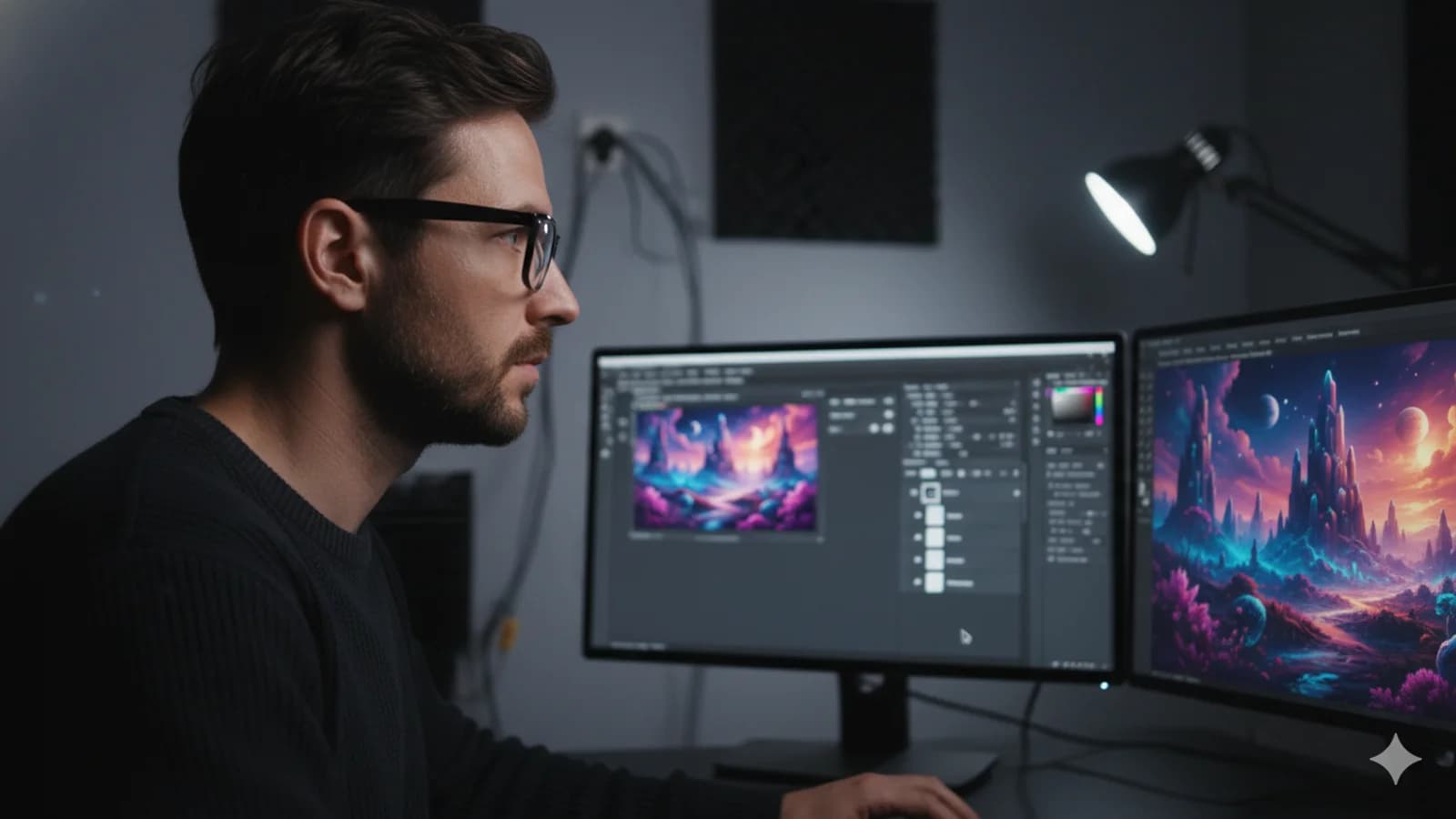
For decades, Adobe Photoshop has been the undisputed industry standard for digital artists, photographers, and graphic designers alike. However, as the software evolves with groundbreaking AI features and advanced manipulation tools, the gap between amateurs and professionals continues to widen. Whether you are retouching a portrait, compositing a fantasy world, or designing branding assets, mastering the core mechanics of Photoshop is the ultimate superpower for any visual creator.
The Power of Layers and Smart Objects
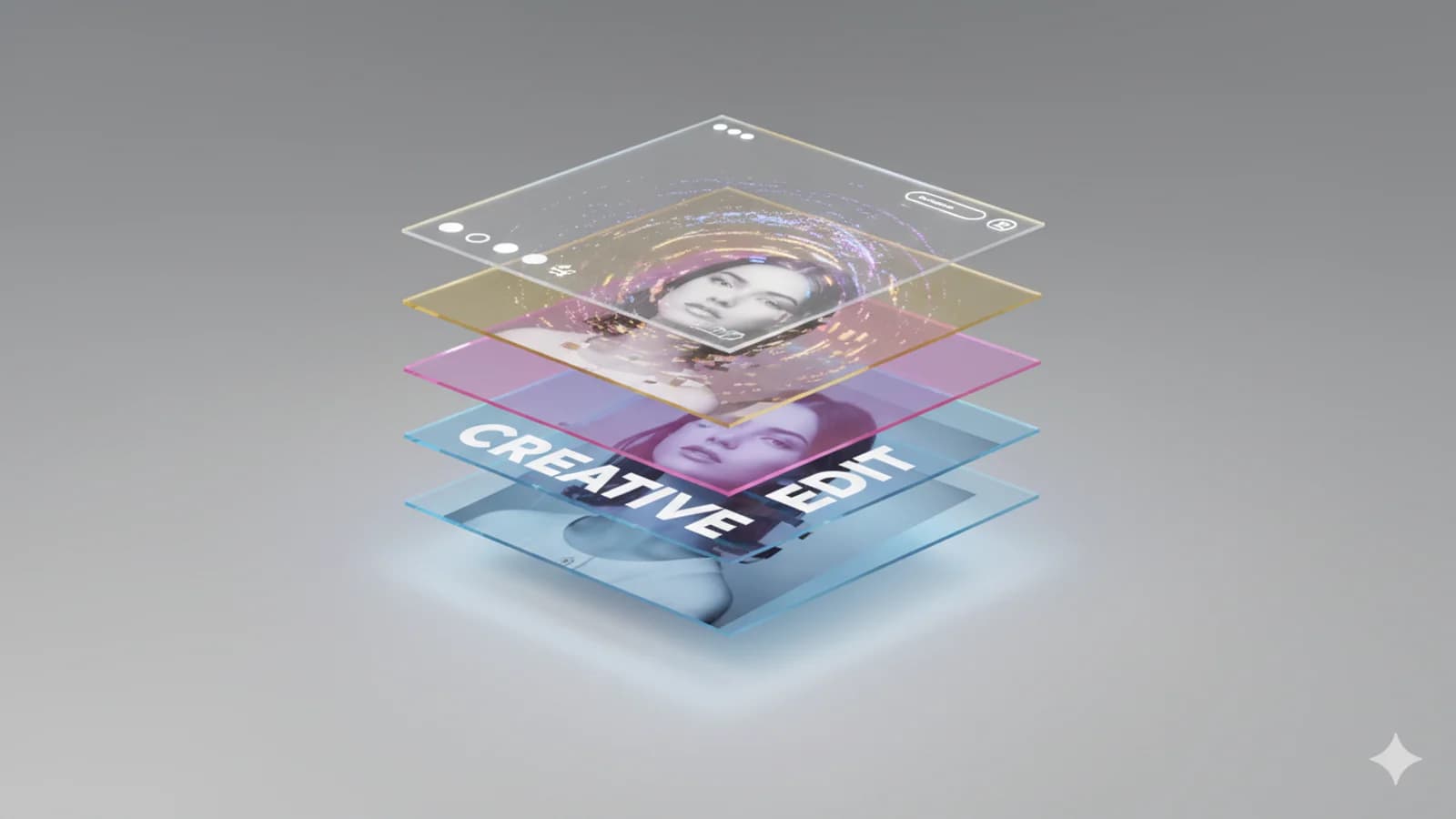
The golden rule of professional workflow is non-destructive editing. Never modify your original pixels directly. By utilizing Adjustment Layers for color and contrast changes, and converting your raster images into Smart Objects, you retain the ability to tweak or reverse any edit at any point in your project. This flexibility not only saves immense time during client revisions but also preserves the maximum quality of your source files, preventing pixel degradation.
Mastering the Art of Masking and Selections
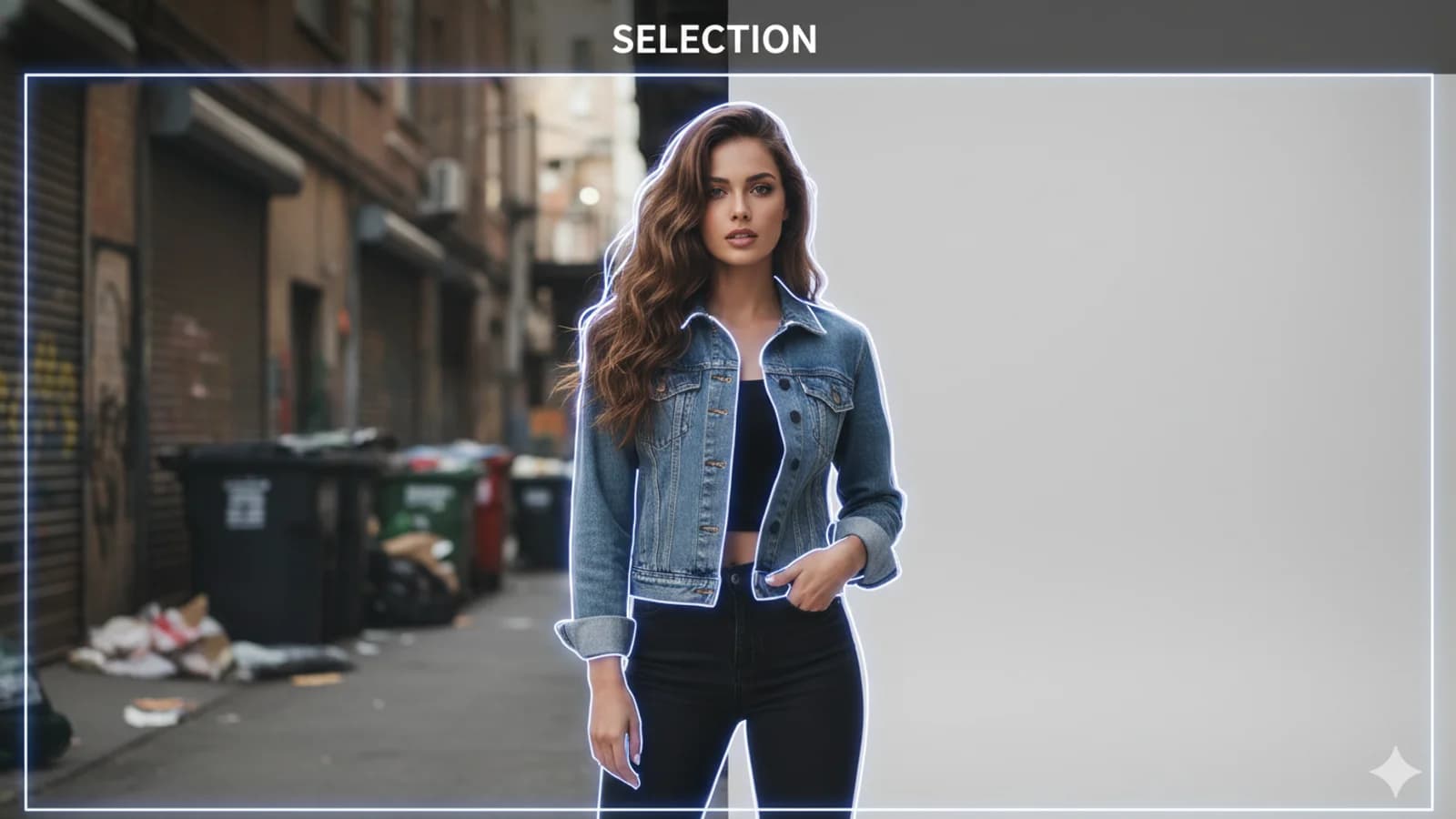
A great composite relies entirely on flawless edges. Gone are the days of spending hours with the Pen Tool just to cut out a subject. Today, pairing Photoshop's Object Selection Tool with the "Select and Mask" workspace allows you to isolate complex subjects—like wild hair or transparent clothing—in seconds. Refining masks using the Refine Edge Brush ensures your subjects blend seamlessly into new backgrounds without ugly halos or jagged edges.
Accelerating Workflows with Generative Fill
The integration of Adobe Firefly directly into Photoshop has fundamentally changed how we design. Features like Generative Fill and Generative Expand allow you to add, remove, or extend elements in your canvas using simple text prompts. Instead of hunting for stock photos to fix a missing background or remove a stray object, you can now seamlessly expand a vertical photo into a landscape masterpiece, letting the AI match lighting, perspective, and depth of field perfectly.