Cutting with Intent: The Art of Modern Video Editing
Video editing is no longer just about splicing clips together; it is about pacing, story retention, and leveraging the right technology to protect your creative focus. In an era where audiences demand high-quality content at lightning speeds, your technical workflow dictates your creative output. Mastering Adobe Premiere means moving past basic cuts and diving into advanced timeline management, intelligent audio mixing, and AI-accelerated workflows that let you focus on what truly matters: the story.
Isolating Subjects with Advanced Masking
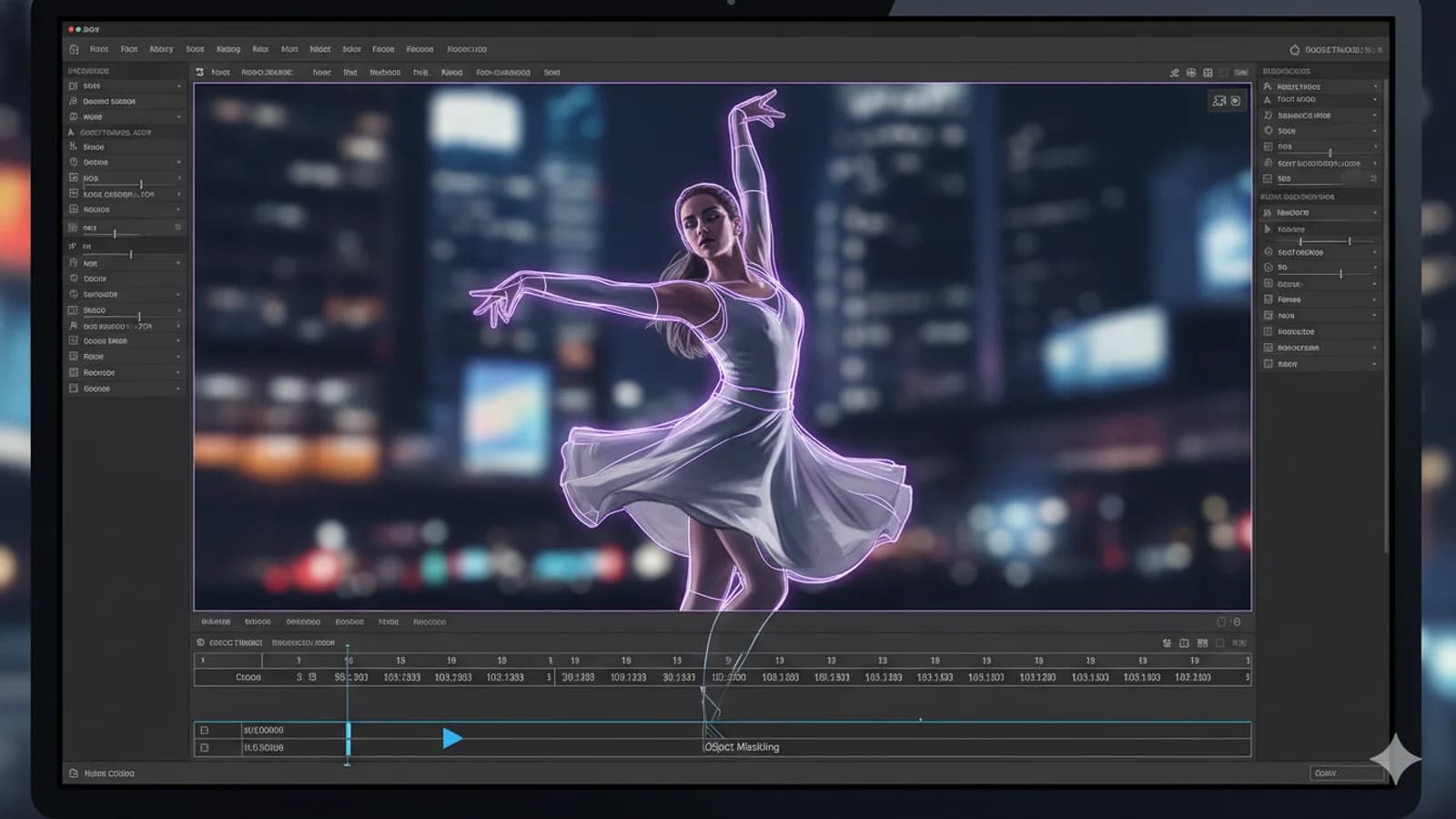
Whether you need to blur a moving face, apply an isolated color grade, or place text seamlessly behind a talking head, precise selections are key. Premiere’s AI-powered Object Masking completely changes the game. Instead of tediously plotting keyframes frame-by-frame, you can click on a subject to let the software automatically track it. Pair this with redesigned shape masks and smoother Bezier curves to refine your boundaries. This ensures your effects seamlessly blend with your subjects, even during high-motion tracking shots.
Elevating Narrative with Real-Time Audio Adjustments
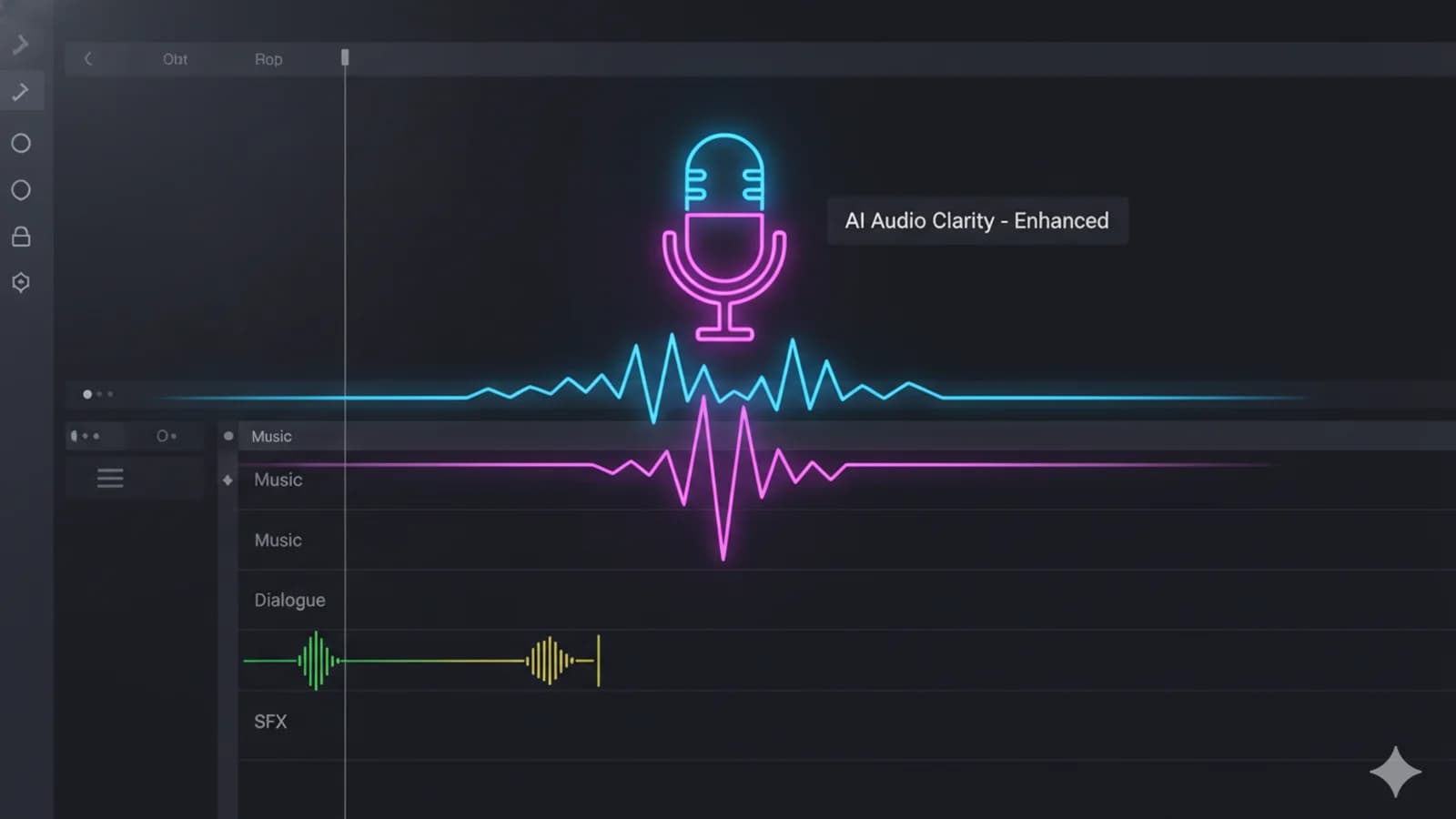
Audiences will forgive average visuals, but they will instantly tune out bad audio. Clean narrative flows start with precise pacing, which is why utilizing live audio waveform updates as you execute ripple and roll edits is a literal lifesaver. To make room for background scores without drowning out your dialogue, leverage the Essential Sound panel to assign roles like "Dialogue" or "Music". Take advantage of bulk bleep or mute features to clean up unwanted background noise or sensitive words instantly across the entire project line in a single pass.
Extending Shots Seamlessly with Generative AI
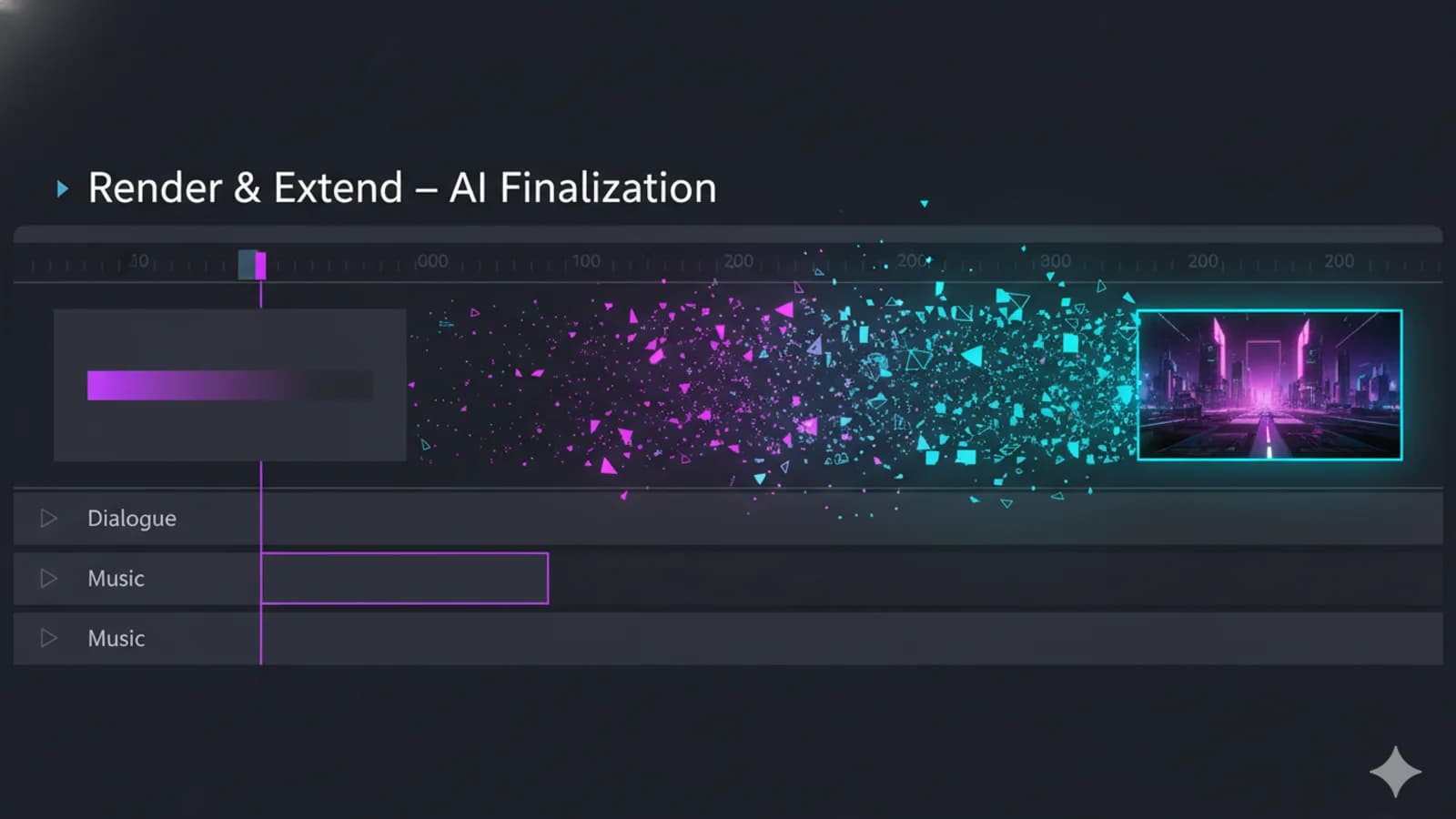
One of the most frustrating moments in editing is finding the perfect transition point, only to realize your raw footage ends two seconds too early. Instead of abandoning the edit or stretching the clip awkwardly into an unnatural slow-motion block, you can utilize Generative Extend. Powered by Adobe Firefly, this tool generates brand-new, contextually aware frames at the tail or head of your clip. It naturally matches the camera's original lighting, texture, and ambient background room tone to smoothly bridge the gap.